Blind-accessible tabletop roleplaying
Multiverse Adventurers Guild
A setting-flexible tabletop roleplaying game where players can create heroes, learn the rules, roll dice, and carry their characters through entire adventures.
Multiverse Adventurers Guild supports heroes and stories across fantasy, science fiction, western, and other settings. Its always-available command button opens a predictable listening interface that lets a player speak requests and hear responses without needing to see the website or character sheet.
The game was designed and written by Scott Bieniek, author of Cutting Black, 30 Nights, and other thrilling tales. Explore more of Scott Bieniek's work on Goodreads.
The game
A complete multigenre roleplaying game.
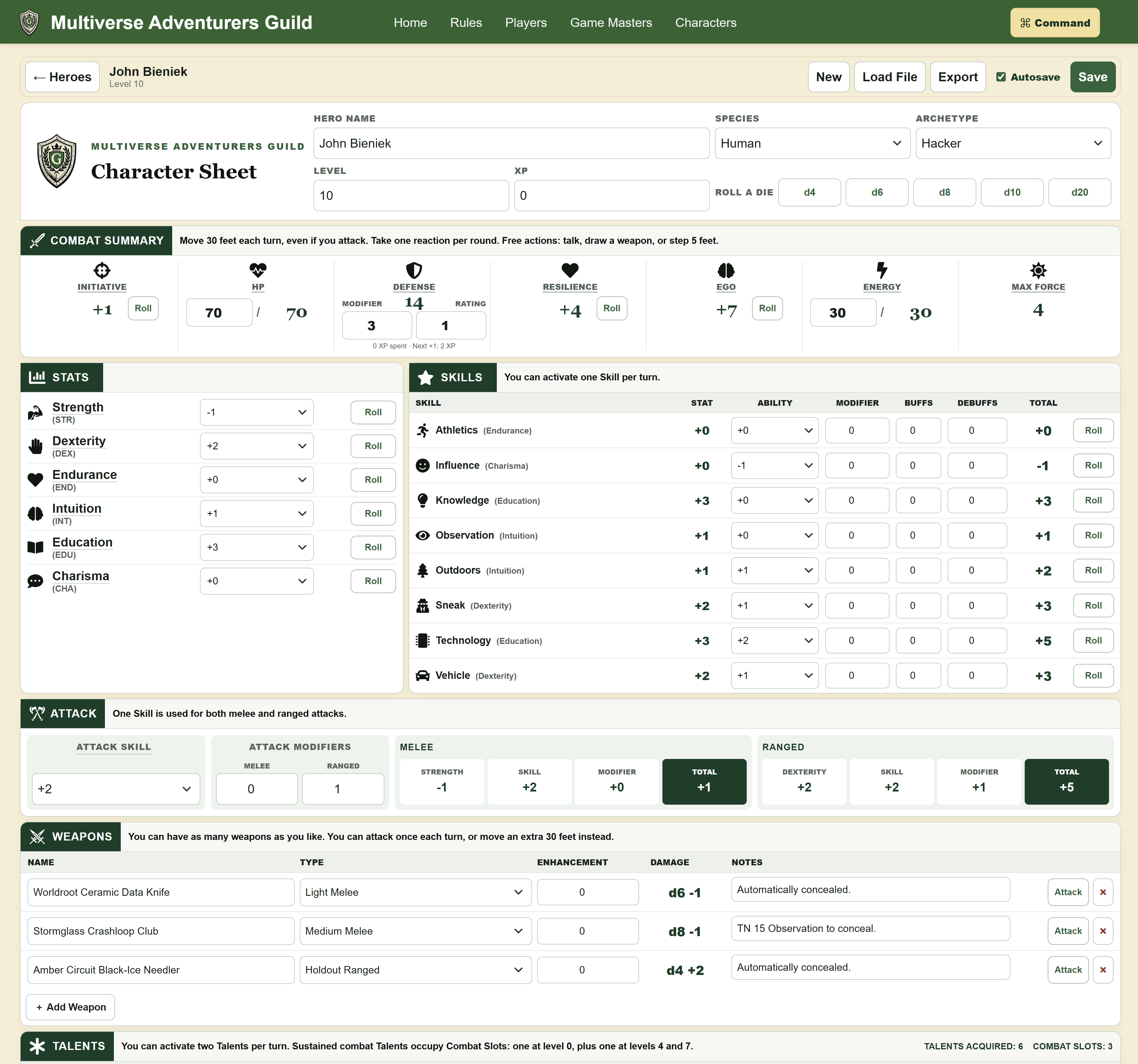
The site presents the complete player, rules, and Game Master material alongside a fully playable character sheet. The voice-command system connects all of it: players can ask the site to read a section, open the sheet, create or inspect a character, and make game rolls from one integrated experience.
Complete game reference
Dedicated Rules, Players, and Game Masters routes organize the system for the person using it, with stable sections that can be linked directly.
Playable character sheet
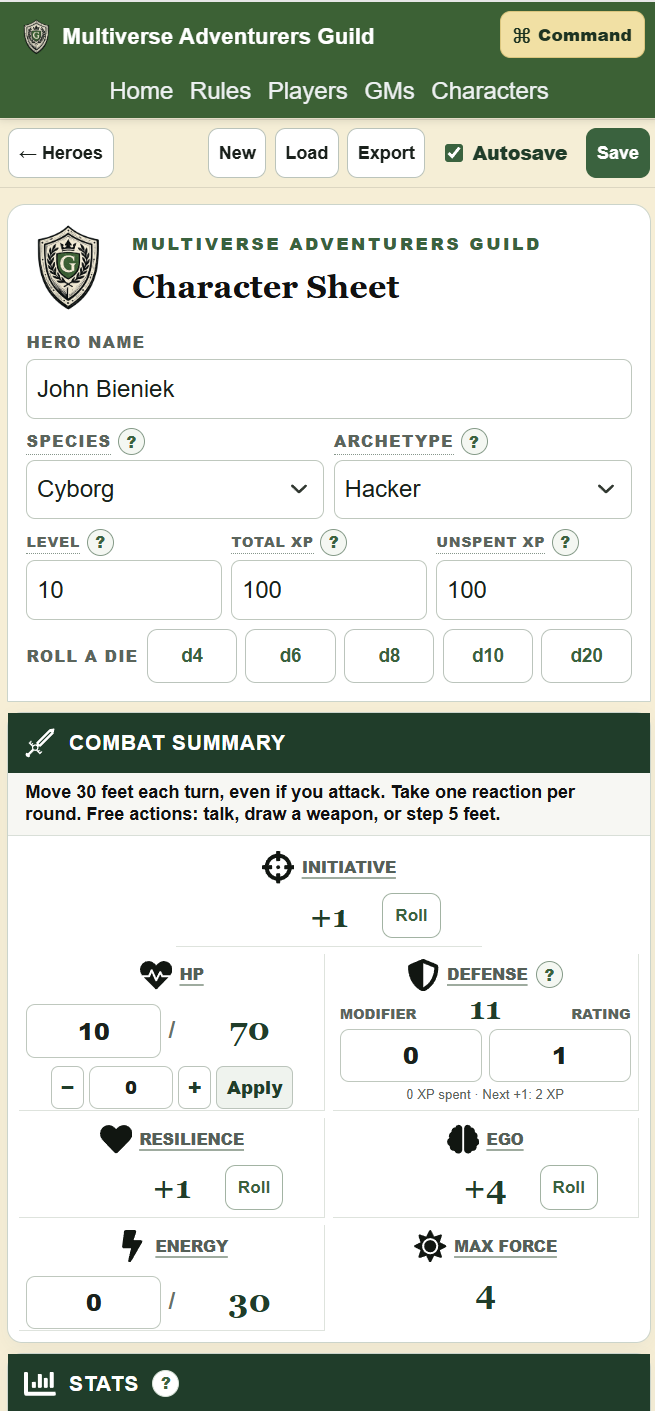
The sheet is a working game interface, not a printable mockup. Stats, skills, defenses, attacks, resources, equipment, talents, contacts, notes, and dice rolls remain together.
Rules where players need them
Sheet labels link back to the relevant guide anchors, so a stat, skill, weapon, talent, item, or contact can lead directly to its supporting rule.
Identity and subscriptions
Google sign-in. PayPal memberships.
Players now sign in with Google and subscribe through PayPal. Guild membership connects the tabletop experience across devices with cloud sync for up to 20 Heroes, character PDF downloads, and downloadable character archives. Signing in is free; choosing a paid membership is a separate step.
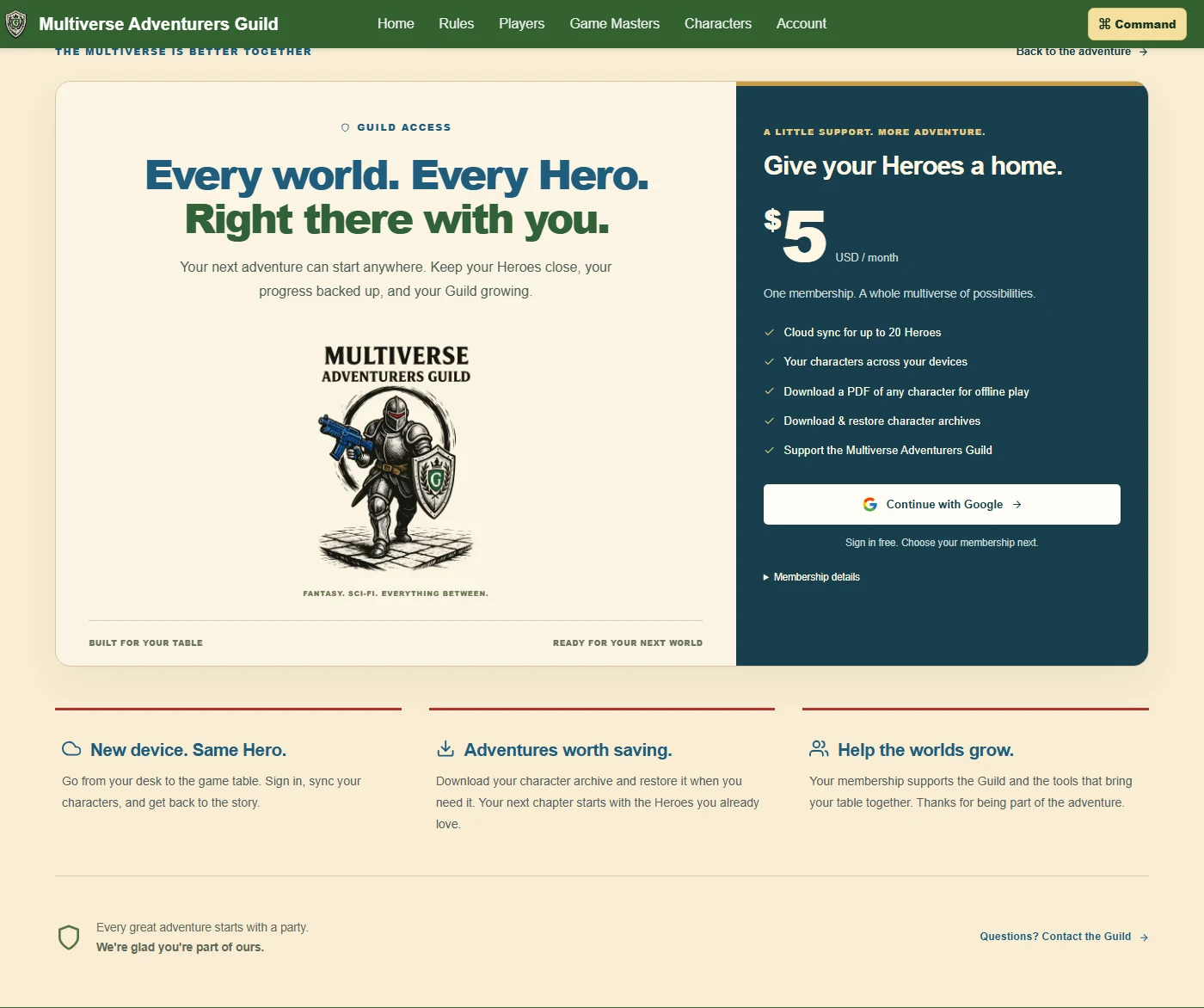
Google handles identity
OAuth 2.0 authorization code flow with PKCE and OpenID Connect delegates sign-in to Google. The backend validates the identity token before creating an application session in a Secure, HttpOnly cookie. Google passwords never pass through the Guild application.
PayPal handles subscriptions
The backend creates a subscription through PayPal's API and sends the player to PayPal to approve it. Payment details stay with PayPal. Server-to-server status checks and signature-verified webhooks keep membership records aligned with the billing lifecycle.
The server controls access
Cloudflare Workers and D1 connect accounts, subscription records, and membership access. Paid features depend on server-verified subscription state, rather than a browser redirect alone. Provider secrets remain on the backend, outside the frontend bundle.
A consistent voice interface
The command control is always where a player expects it.
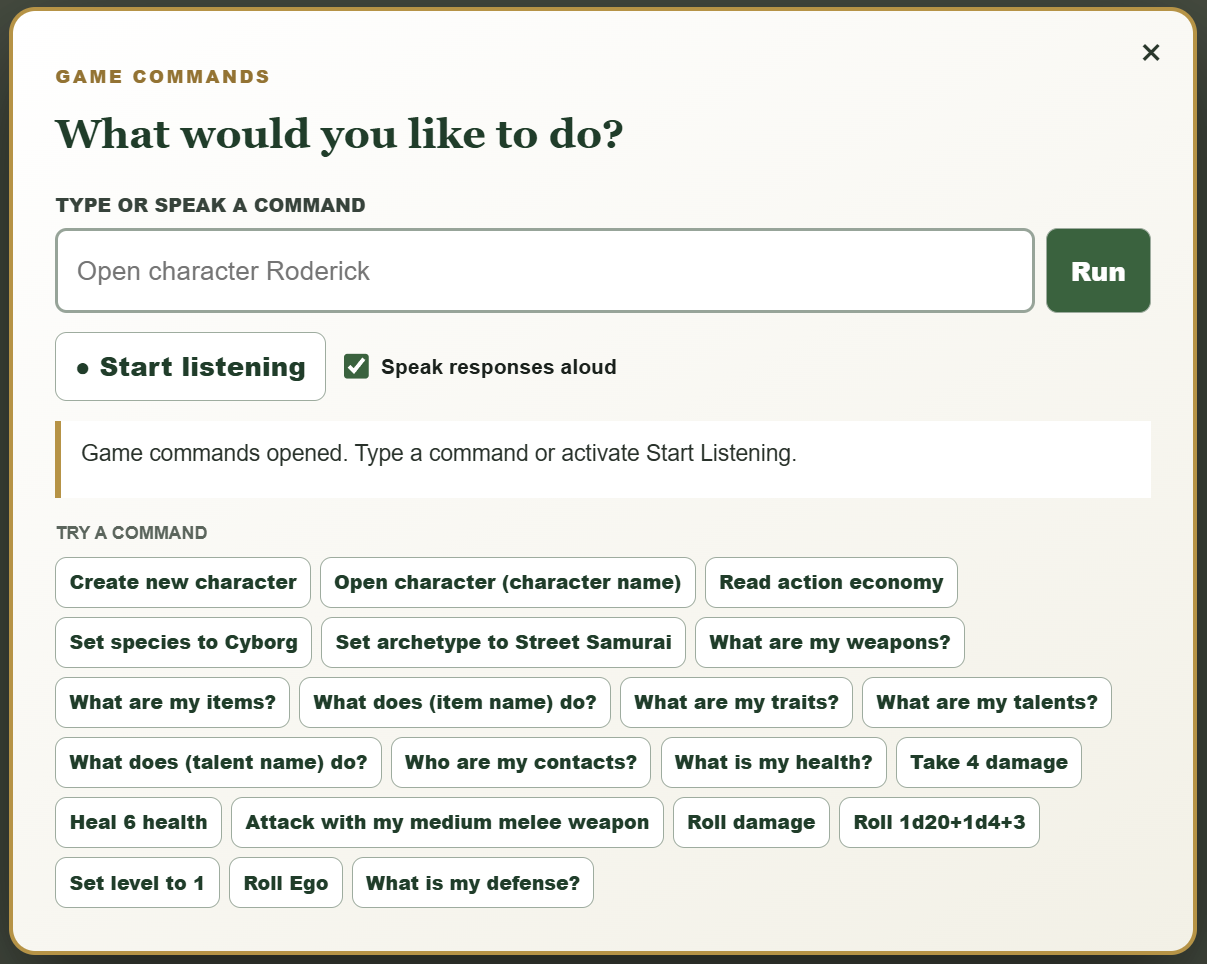
A command button remains available at the top right throughout the application. It opens a focused window where the Start Listening control also stays in the same place, giving a blind player a dependable path into every interaction. Players can type a command or say it aloud, including “read this section,” “open the character sheet,” “roll a die,” “make a character,” or “what are my weapons?”
Predictable controls
The command and listening buttons keep stable positions, reducing the need to search an unfamiliar layout before giving an instruction.
Spoken status
The first time a player presses Start Listening, it announces that speech processing is loading. Distinct pings mark when listening begins and ends, making the current state clear without sight.
Type or speak
The same natural-language commands work through text and speech, so each player can use the input method that fits their needs and environment.
Less arithmetic, more play
Players can ask for complex rolls in everyday language. The system rolls multiple dice, applies bonuses, adds the results, and announces the total, reducing the mental math burden for players with dyscalculia or anyone who finds arithmetic challenging.
Play without sight
Voice commands support the character’s entire journey.
A player can create a character and set their species, archetype, name, stats, skills, weapons, traits, contacts, and other details conversationally. They can ask for any of that information again at any time, allowing the character sheet to function as an audible game companion instead of a visual form.
Create and review
Build the full character by voice, then ask about any stat, ability, item, or relationship whenever it matters.
Roll and follow through
Request any game roll, hear the dice and result, and continue naturally into a related roll such as damage after a successful hit.
Survive critical harm
Report damage and the system tracks the outcome. Below zero, it announces that the character is dying and guides every death-watch step until revival or death.
Listen to the rules
Ask for any rules section and the application finds it, reads it aloud, and continues through the material without requiring visual navigation.
Together, these interactions allow a player to learn the system, maintain a character, and participate in the full game without needing to see either the website or the character sheet.
Content architecture
Write simple files; generate a connected reference.
Game content lives in focused plain-text files grouped by audience and subject. Vite imports those files as raw text. A reusable React guide component interprets their structure, produces headings, cards, tables, chips, and stable anchor IDs, then recognizes rule references and converts them into links to the correct section—even when that destination is on another route.
Author
Edit compact .txt rule files without embedding presentation markup.
Import
Vite's ?raw imports deliver that source directly to React.
Transform
The guide parser creates readable sections, data displays, and predictable anchors.
Connect
Reference maps and React Router dynamically link related rules and application pages.
This separation keeps editorial work straightforward while allowing the application to improve presentation and navigation globally. A content correction stays a content change; a readability improvement in the guide renderer benefits the entire publication.
Interactive character management
The character sheet creates, calculates, saves, and travels.
React state drives the active hero and derived game values. Selecting an archetype applies its starting statistics and skill allocation, fills archetype traits, generates an appropriate weapon and item loadout, and creates contacts from role-aware name pools. Computed values update as the character changes, while integrated d4 through d20 controls support checks, attacks, and damage rolls.
Linked through the application. The character library is a first-class React Router destination. From the sheet, reference links return players to exact Rules and Players anchors, keeping character decisions connected to the publication instead of duplicating explanations.
Private browser-local saves
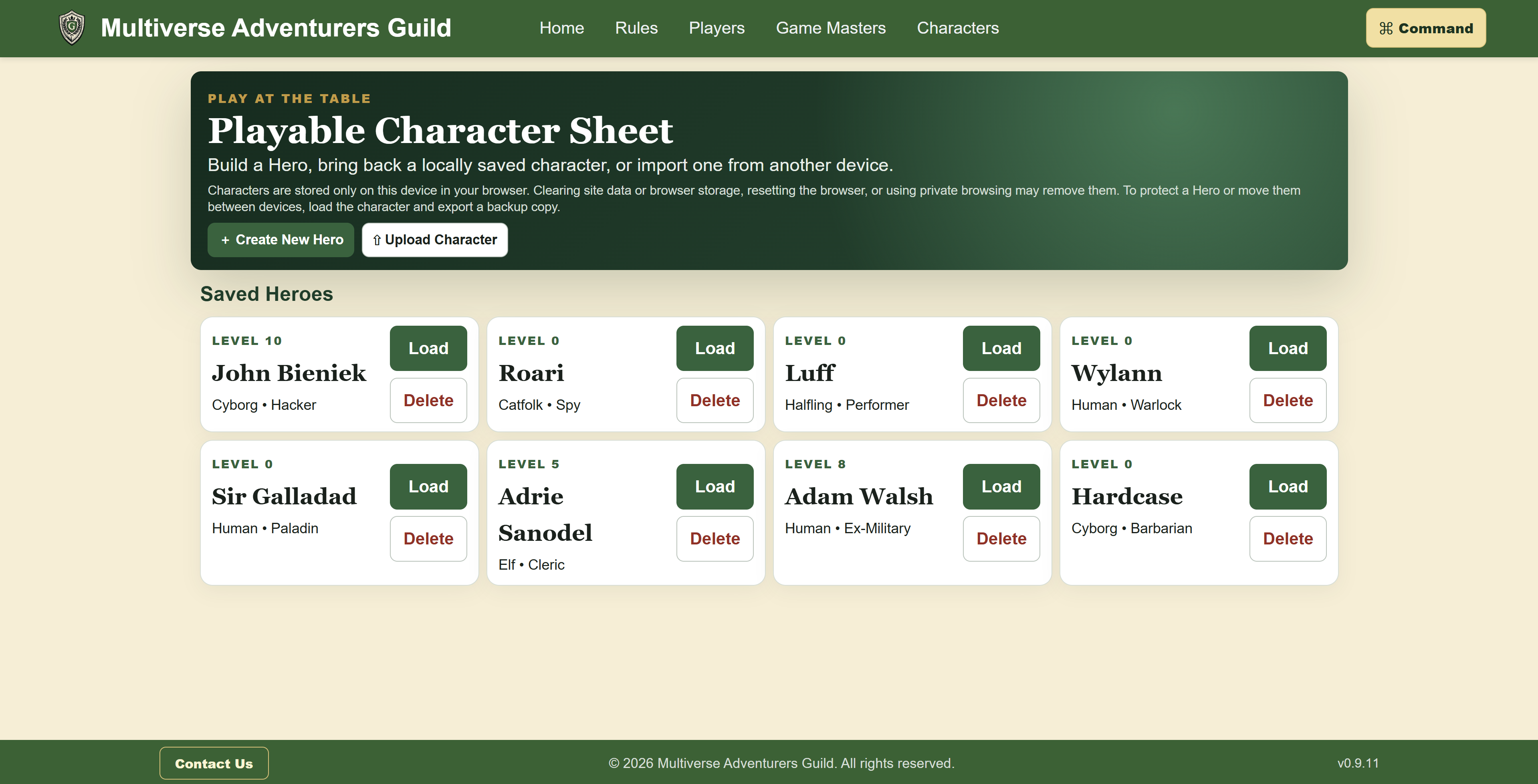
Characters are serialized to localStorage, sorted by their last update, and restored into a saved-hero library. The app remembers the active character and offers both explicit saving and per-character autosave.
Portable import and export
Export converts the hero state to JSON in a Blob and downloads a named .MAGHero file. Import uses FileReader, parses and validates the JSON, gives the imported hero a new identifier, and loads it for editing. This provides backups and movement between devices without requiring an account or server.
Linked through the application
The character library is a first-class React Router destination. From the sheet, reference links return players to exact Rules and Players anchors, keeping character decisions connected to the publication instead of duplicating explanations.
Site rebuild
From a static introduction to a clearer, responsive application.
The original site established the identity and premise of the game. The new build retains that foundation while improving information hierarchy, typography, spacing, contrast, navigation, and direct linking. Content now adapts cleanly across screen sizes, related rules connect to one another, and the playable sheet turns the site into part of the game.
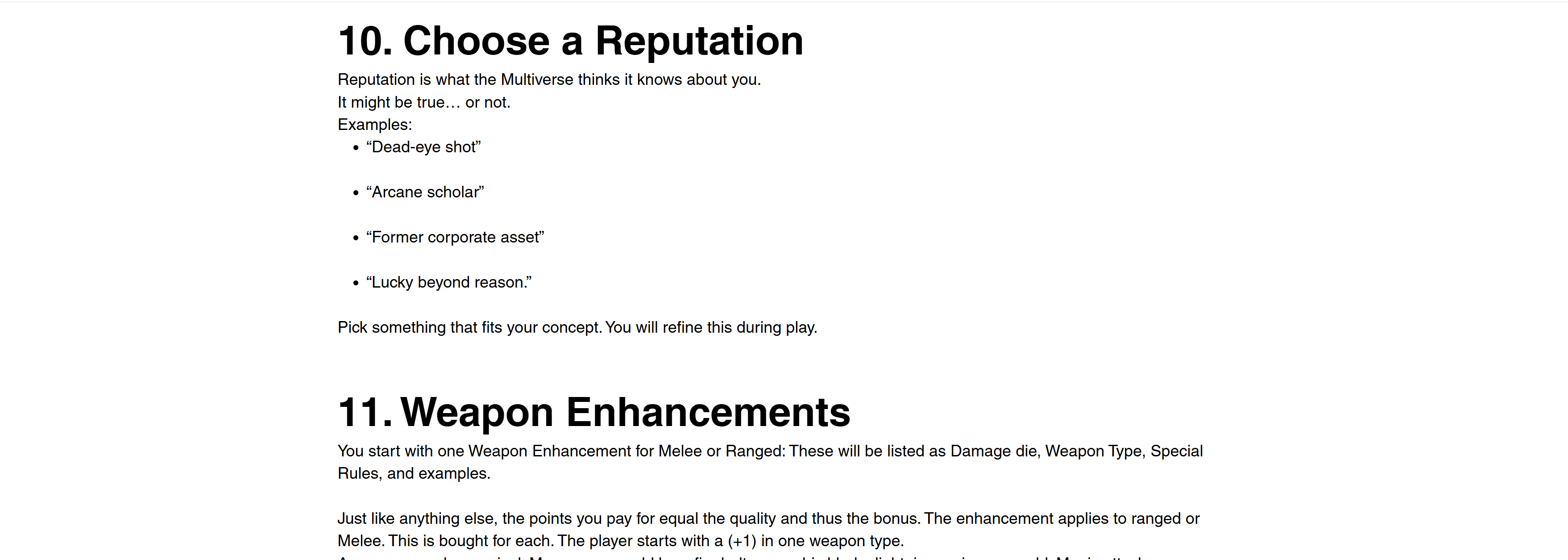
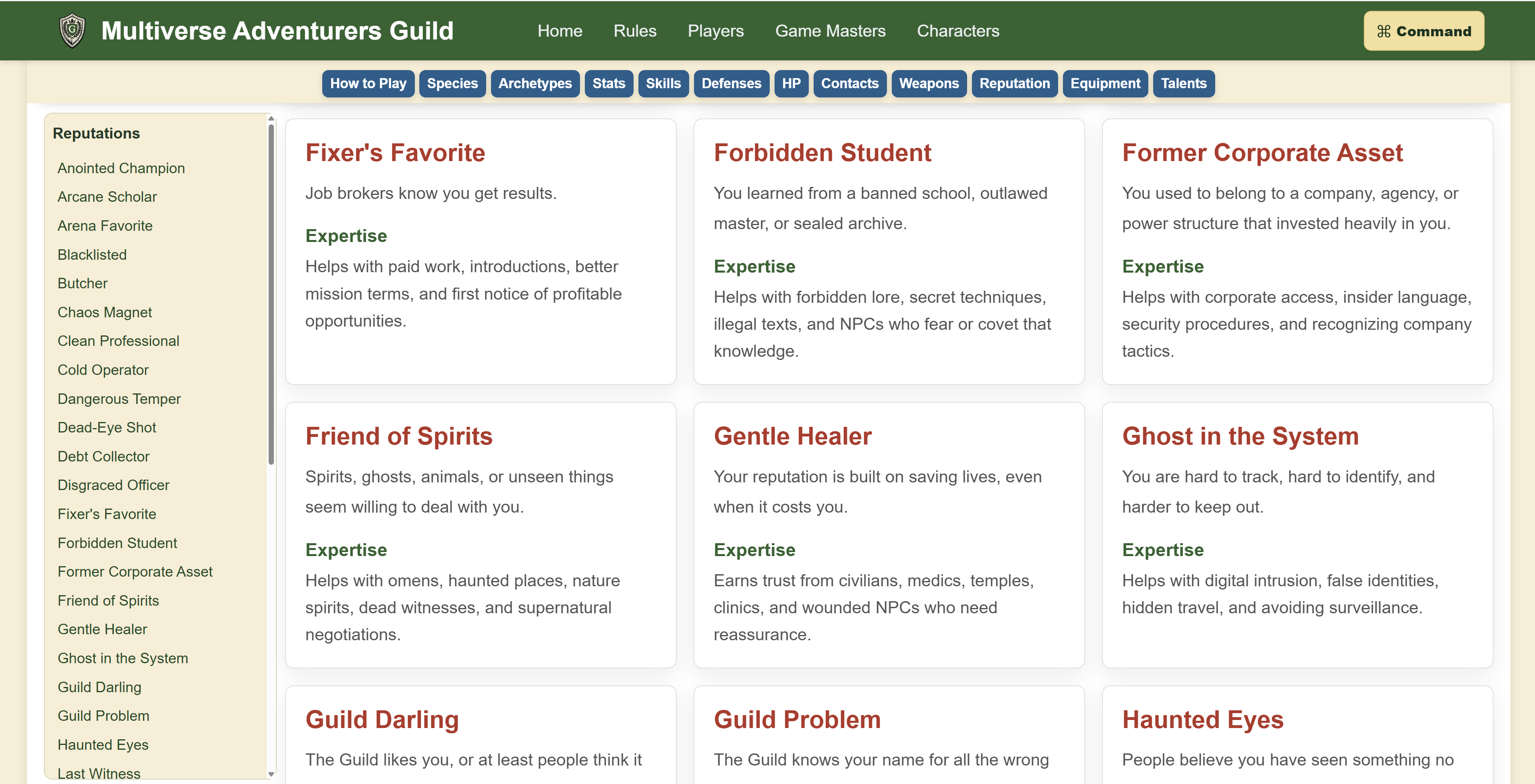
Responsive implementation
The publication and play tools remain usable on smaller screens.
Responsive layouts reorganize navigation, content cards, and character controls rather than simply shrinking a desktop page. That makes the guides easier to consult from a phone and keeps the character library available at the table.
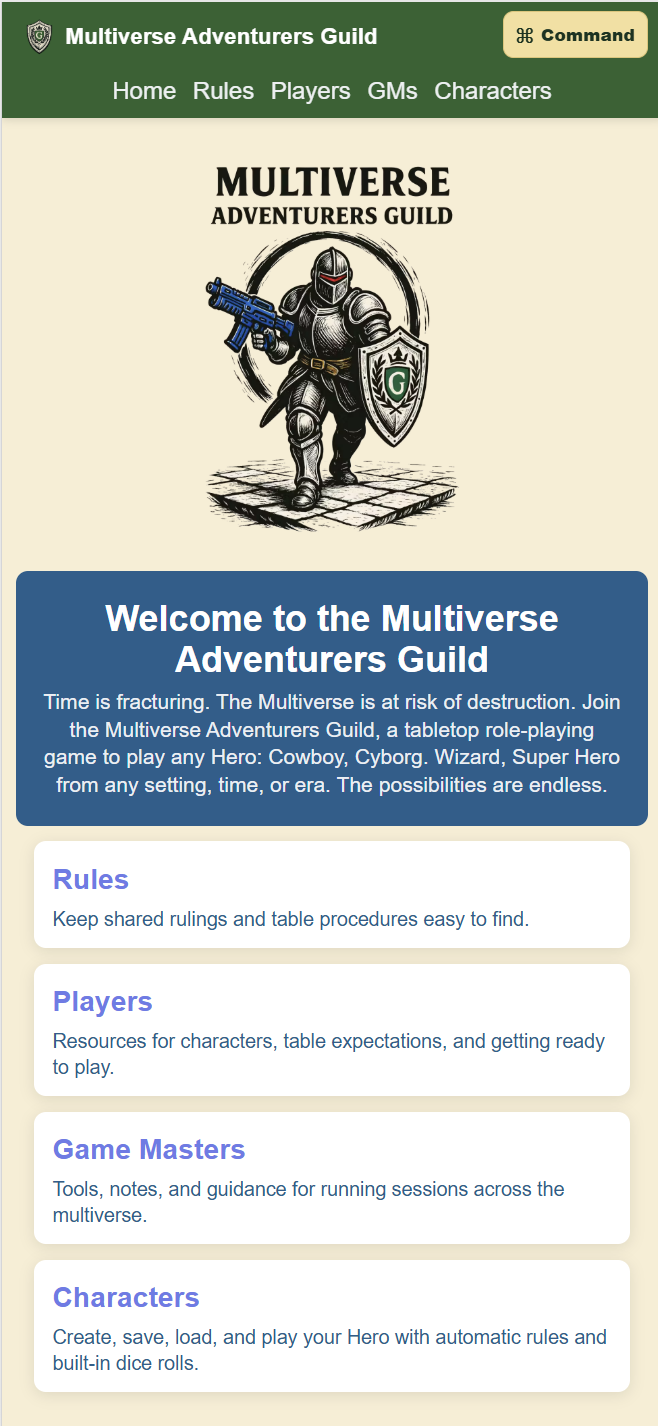
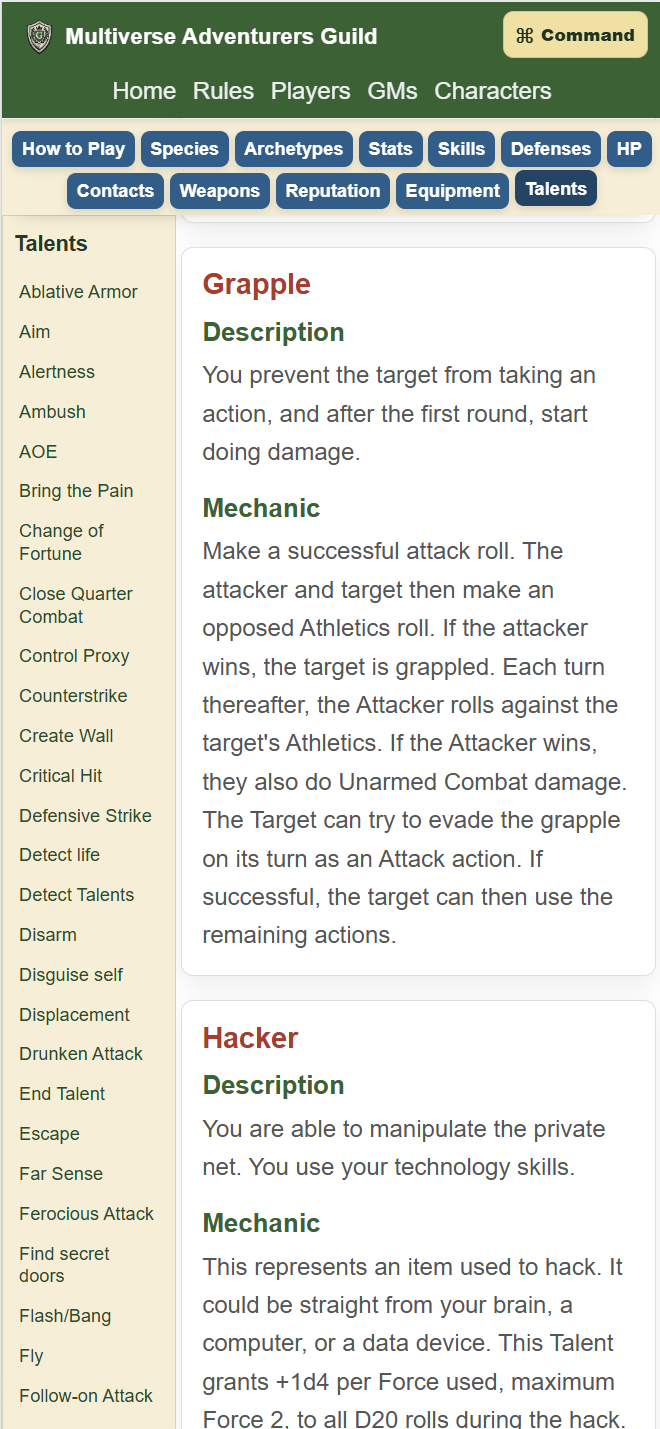
Tools used
A lightweight modern web stack.
Explore the project
Read the rules, build a hero, or inspect the code.
In October 2026, Multiverse Adventurers Guild began moving to a subscription model. As part of that transition, the codebase was split. Only the older, free version of the app will be available to view on GitHub.